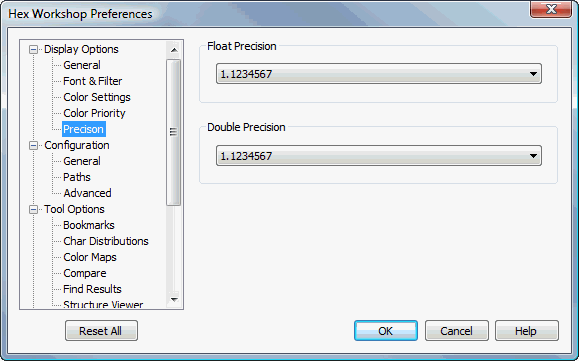
Precision Display Options Preferences
Hex Workshop Preferences Dialog is launched by either selecting "Preferences..." from the "Options" menu or by pressing the Preferences icon on the File Operations Toolbar.
Preferences are organized under 4 major categories: Display Options, Configuration, Tool Options, and Import/Export followed by sub-categories.
The "Reset All" button resets all preferences to default settings. The "Help" button displays help for selected preference sub-category.
The Float Precision settings controls how many significant digits are displayed when rendering a floating point value. This setting controls the display for the Data Inspector, Structure Viewer, and Bookmarks.
The Double Precision settings controls how many significant digits are displayed when rendering a floating point value. This setting controls the display for the Data Inspector, Structure Viewer, and Bookmarks.