Hex Workshop Links
Screen Shots
Features
Online Help
Export Samples
Version History
Awards & Reviews
Order Now
Awards & Reviews
download3k.com: Your download source
softpedia.com: Free downloads encylopedia
fileaward.com: Best Software Downloads
downloadpipe.com: Downloads and Software Reviews
Hex Workshop Screen Shots:
![]() |
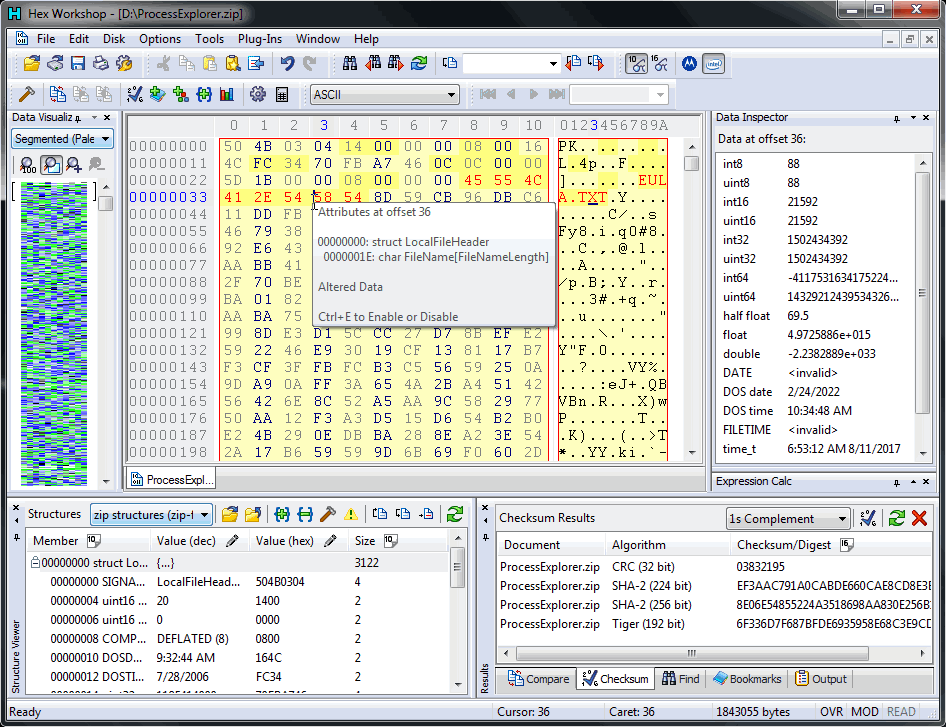
From the toolbar you can quickly toggle the file offset display between hex/decimal, control the interpretation of data at the cursor as signed/unsigned, byte/short/long/float/quad/double, conveniently traverse the sectors of a disk disk, and perform arithmetic and logical operations. The Status Bar displays the cursor offset into the file in hex or decimal, the value of the data at the cursor position, and the size of the file or disk sector. |
![]() |
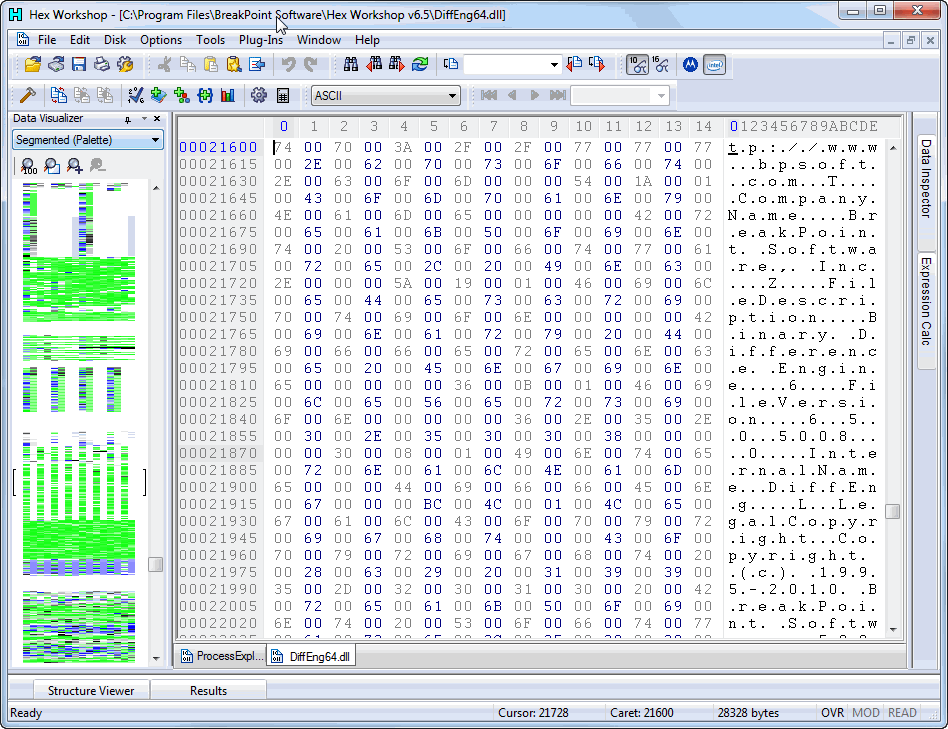
You can customize your editing environment by setting foreground and background colors, fonts, character filters, and select an alternative color to visual display modified bytes. Users can set the number of bytes displayed per row, how your data is grouped and offset lengths in the layout preference tab. |
![]() |
The Structure Viewer allows you to view and edit data in the most convenient and intuitive way. This helps turn the art of hex editing into a simple straightforward task. Structures are defined in a text file and closely resemble the C/C++-style struct definition. Many atomic data types are supported along with the ability to nest structures. |
![]() |
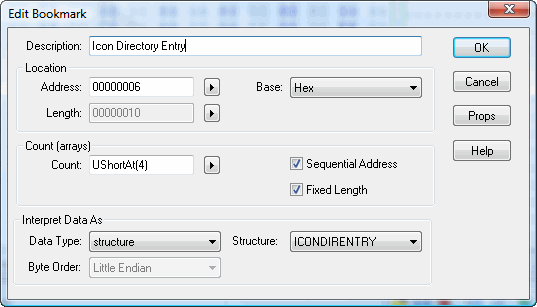
The Bookmarks Feature helps you pick apart and label a data file for a single use or to share with friends and co-workers. When defining a bookmark, you can set the bookmark's data type and then edit the bookmark's data directly in the bookmark viewer. You can even use a simple macro language when defining bookmark addresses and lengths. This allows for powerful "smart" bookmarks that are portable across like files. |
![]() |
The Color Mapping Feature helps you visually find patterns, add visual cues, and de-emphasize uninteresting data. Users can set the foreground and background colors used to display data for any hexadecimal string. |
![]() |
New Custom Character Filters allow you to define your own mapping between a byte of data and the text character chosen to represent it. The character filter is also consulted when entering characters into the text area of Hex Workshop. Mappings can be either unidirectional or bi-directional. |
![]() |
Copy Sectors Feature allows you to copy sectors between different drives and drive partitions. This feature is incredible useful when attempting salvage data from corrupt disk drives, manually rebuilding drives and partitions, and cloning drives. |
|
The Find dialog helps you to search for Hex, ASCII, Unicode, bitmasks, and decimal values: bytes, shorts, longs, quads, floats, and doubles. You can search for decimal values in either Big Endian or Little Endian byte ordering and search for text in either ASCII or Unicode forms with the option to match or ignore case. |